AirPort Utility ORIG for Apple Silicon: A modern AirPort app compatible with Time Capsule as old as 2008
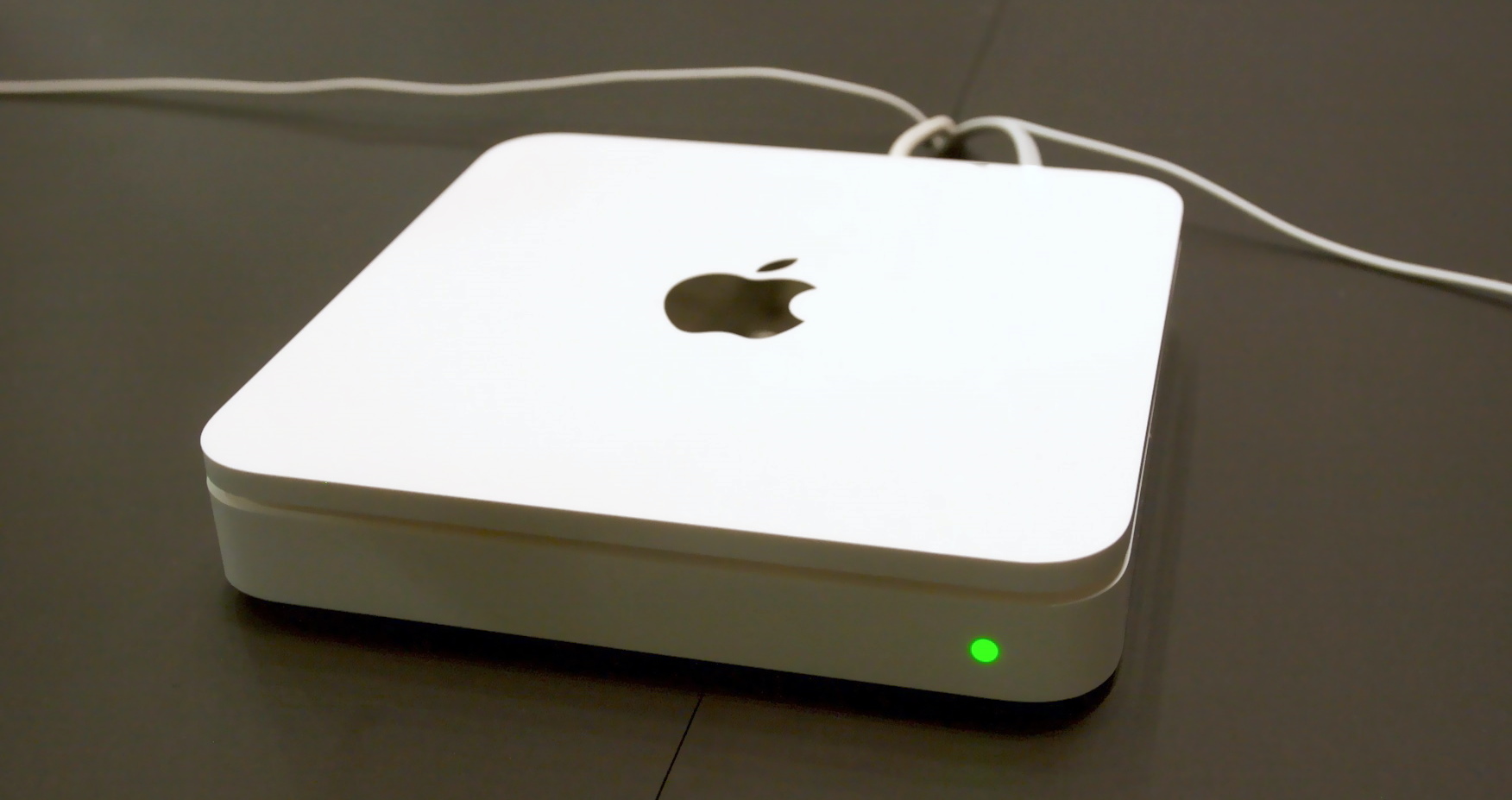
AirPort Utility “ORIG” is an independent, clean-room recreation of AirPort Utility for Apple Silicon Macs (arm64) that still talks to the older Time Capsule and AirPort Extreme/Express base stations. Recent versions of macOS no longer include a working AirPort Utility for these devices, which leaves perfectly good hardware without a way to be configured, updated or inspected. This page keeps a permanent copy available.
What it is for
- Configuring and managing older Time Capsule units from a modern Apple Silicon Mac
- Checking status, network settings, disks and wireless options on legacy AirPort base stations
- Keeping an existing Time Capsule backup or Wi-Fi setup alive without keeping an old Mac around
Download
Download AirPort Utility ORIG for Apple Silicon (ZIP, 4.8 MB)
Permanent link: https://www.audiovisione.com/downloads/AirPort-Utility-ORIG-AppleSilicon.zip
SHA-256: 02824c679c153fe7bc4459599c0168f3dd7500cce3edf5067c08e8c166f416c3
Installation
- Download and unzip the file. You will get AirPort Utility-ORIG.app.
- Drag it into your Applications folder.
- The app is not notarized. On first launch, right-click it, choose Open, then confirm. If macOS still blocks it, go to System Settings → Privacy & Security and click Open Anyway.
- When asked, allow access to the local network so the app can find your base stations.
Requirements
- A Mac with Apple silicon (M1 or later)
- macOS 13 Ventura or later
- The Time Capsule or AirPort base station on the same local network
Notes
This is an independent, unofficial, unsupported recreation provided as-is, with no warranty. AirPort, Time Capsule and AirPort Utility are names and trademarks of Apple Inc. and are the property of their respective owners. Audiovisione.com is not affiliated with Apple. Back up your base station settings before making changes.